


Your small business website might be losing visitors before you even see them. Slow loading, confusing menus, or missing key local SEO can turn away potential customers fast. This post shows simple fixes to improve website usability and boost your local search rankings. If you want your site to work harder for your business, keep reading—and get tips tailored for Greensboro web design and small business web design needs. Get a free Website + SEO Checkup and see how Triad Web Design Service can help. Find more tips here.
Simplify Your Website’s User Experience
Crafting a website that visitors love involves more than just good looks. It requires intuitive navigation and fast loading speeds. Let’s dive into some key areas to make your site more user-friendly and engaging.
Improve Website Usability
Start by making sure your website is easy to use. Think about every touchpoint a visitor interacts with. Are the buttons clear and the text easy to read? Small changes can make a big difference. For example, increasing font sizes and using contrasting colors can improve readability.
A cluttered website can frustrate users. Aim for a clean design with ample white space. This helps highlight important content and guides visitors to the actions you want them to take. Regularly test your website’s usability by asking real users for feedback. Consider tools or services that simulate how people interact with your site for deeper insights.
Enhance Mobile Friendliness
A mobile-friendly website is crucial as more people use their phones to search online. Ensure your site works well on all devices. This means text should be readable without zooming and navigation should be smooth and intuitive.
Responsive web design automatically adjusts your site to fit various screen sizes. This not only improves user experience but also boosts your search engine rankings. Remember, a slow-loading mobile site can cause visitors to leave quickly. Regularly test your website’s performance on mobile devices to catch any issues early.
Streamline Navigation for Users
If users can’t find what they’re looking for quickly, they’ll leave. Streamline your site’s navigation by organizing content logically. Use clear labels and limit the number of menu items to avoid overwhelming visitors.
Breadcrumbs are a helpful tool, too. They show users where they are on your site and how to go back if needed. Additionally, ensure your site’s search function works well. A reliable search option can be a lifesaver for users looking for specific information quickly.
Boost Your Site’s Visibility with SEO
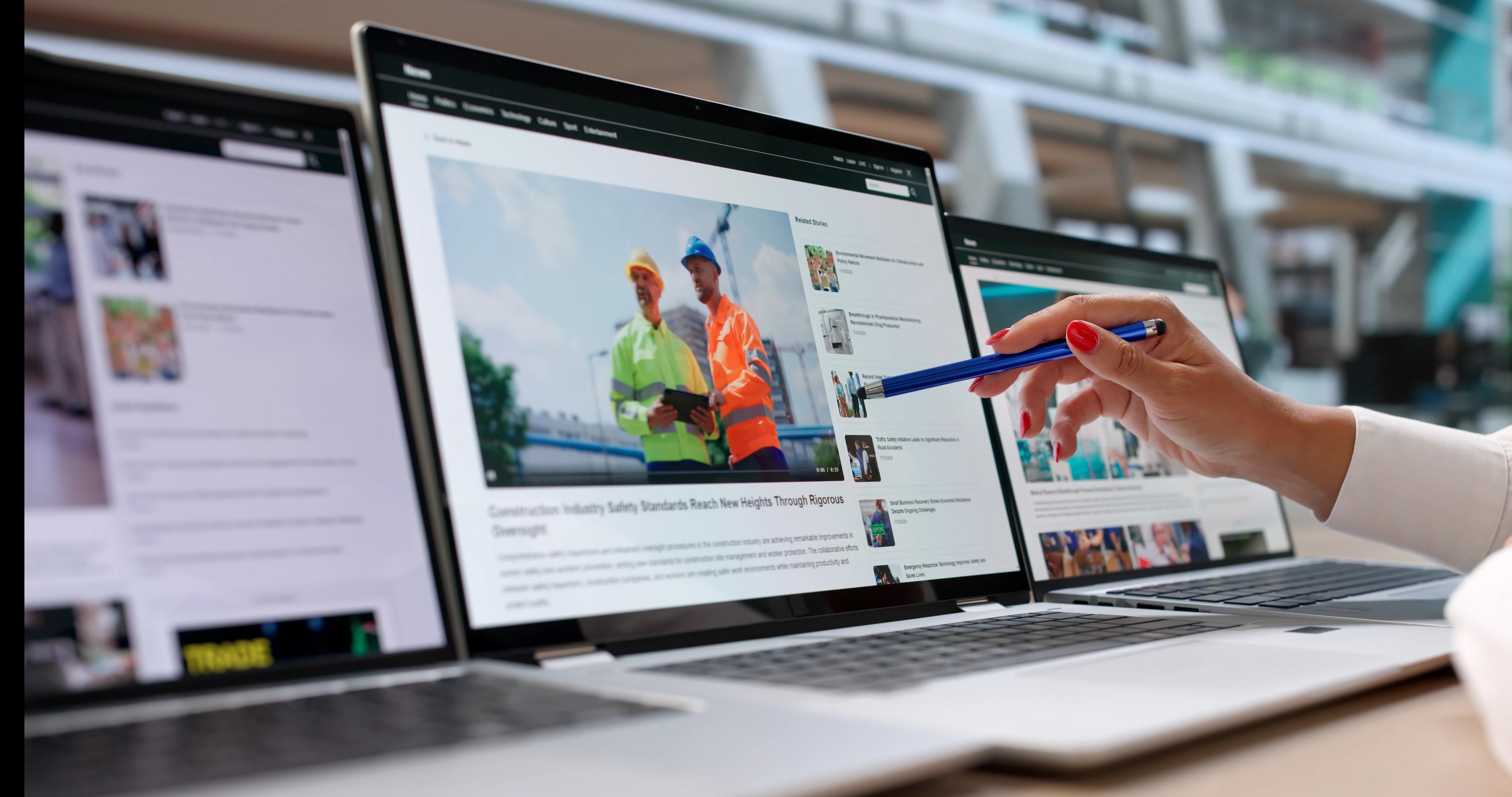
Improving your site’s visibility on search engines is essential for attracting new visitors. By focusing on SEO, you ensure your website reaches the right audience at the right time.
Optimize On-Page and Technical SEO
On-page SEO involves optimizing individual pages to rank higher and earn more relevant traffic. Pay attention to title tags, meta descriptions, and headers. Use keywords naturally within your content to improve search engine rankings.
Technical SEO focuses on site speed, mobile compatibility, and secure connections. Search engines prioritize fast, secure websites, so make sure your site loads quickly and uses HTTPS. Regular audits can help identify areas for technical improvement.
Leverage Local SEO Strategies
If you’re targeting local customers, local SEO is a must. Claim and optimize your Google Business Profile, ensuring your business information is accurate and up-to-date. Include your business name, address, and phone number on every page of your website.
Local SEO also involves getting listed in local directories and obtaining reviews from customers. These strategies increase your visibility in local search results, making it easier for nearby customers to find you.
Utilize Google Business Profile
Your Google Business Profile is a powerful tool for boosting local visibility. Make sure your profile is complete with accurate business details, photos, and operating hours. Encourage customers to leave reviews, as these can significantly impact your local search ranking.
Engage with your audience by responding to reviews and updating your profile regularly. Keep your content fresh and relevant to maintain customer interest and encourage new visitors to reach out.
Enhance Performance and Engagement
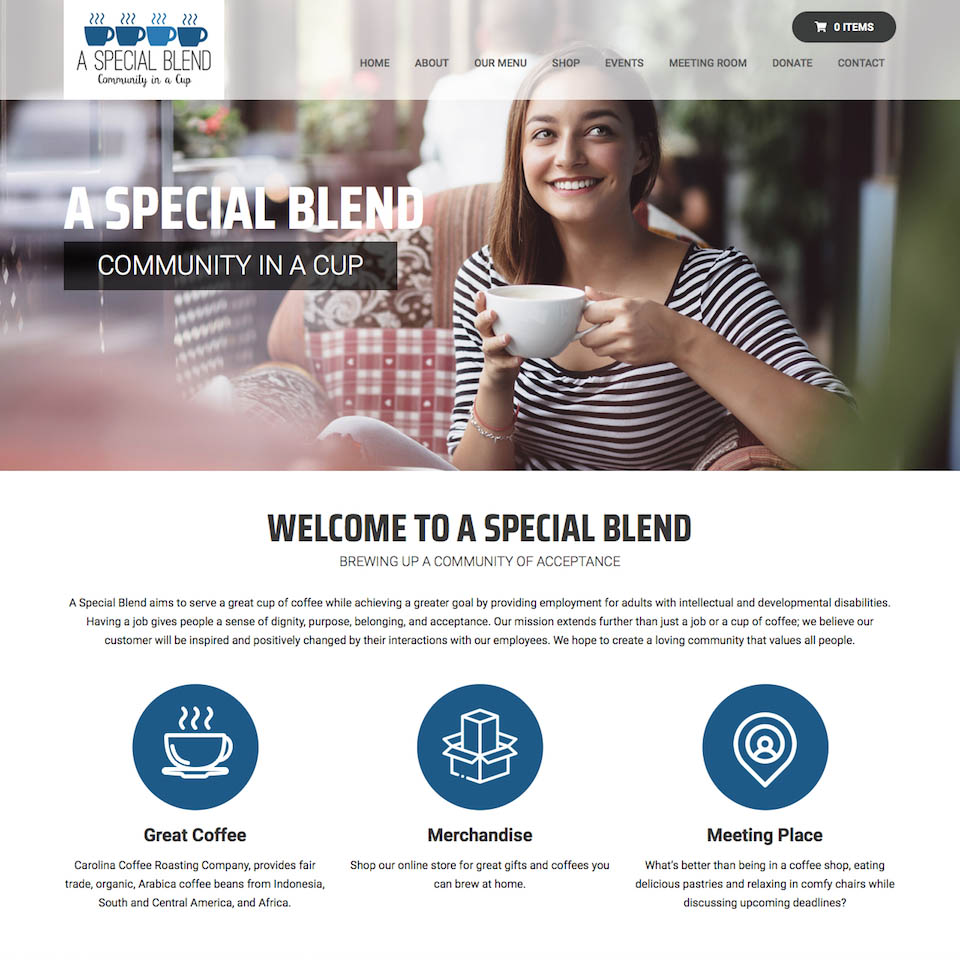
A fast, engaging website keeps visitors interested and encourages them to take action. Here are ways to improve your site’s performance and user engagement.
Focus on Page Speed Optimization
Slow websites can drive potential customers away. Optimize your site’s performance by compressing images, using browser caching, and minimizing code. These changes can dramatically improve load times.
Tools like Google’s PageSpeed Insights provide valuable feedback. They highlight areas where your site can improve, helping you maintain an optimal user experience.
Implement ADA Web Accessibility
Web accessibility ensures that all users, including those with disabilities, can access your site. This involves using proper HTML tags, providing text alternatives for images, and ensuring keyboard navigation is possible.
By making your site accessible, you not only reach a wider audience but also demonstrate inclusivity and responsibility as a business. Accessible sites are often favored by search engines, delivering an SEO boost as well.
Drive Conversions with Engaging Content
Compelling content captures attention and drives action. Use clear calls to action to guide users toward desired outcomes, like signing up for newsletters or purchasing products.
Engaging content isn’t just about text. Incorporate visuals, videos, and infographics to keep users interested. Regularly update your content to reflect current trends and consumer interests, maintaining your site’s relevance and appeal.
Frequently Asked Questions
What is website usability and why is it important?
Website usability refers to how easy and efficient it is for users to navigate and interact with your site. It’s crucial because a user-friendly website keeps visitors engaged and encourages them to return, boosting conversions and customer satisfaction.
How can I make my website more mobile-friendly?
To improve mobile-friendliness, use responsive design that adjusts your site’s layout to fit various screen sizes. Ensure text is legible without zooming, and navigation is intuitive. Test your site on different devices to ensure it works seamlessly.
What are some effective local SEO strategies?
Effective local SEO strategies include optimizing your Google Business Profile, ensuring consistent business information across directories, and gathering customer reviews. These actions improve your visibility in local search results, attracting nearby customers.


